
How to Use Meta Muse to Turn Your Saved Instagram Posts Into a Content Plan
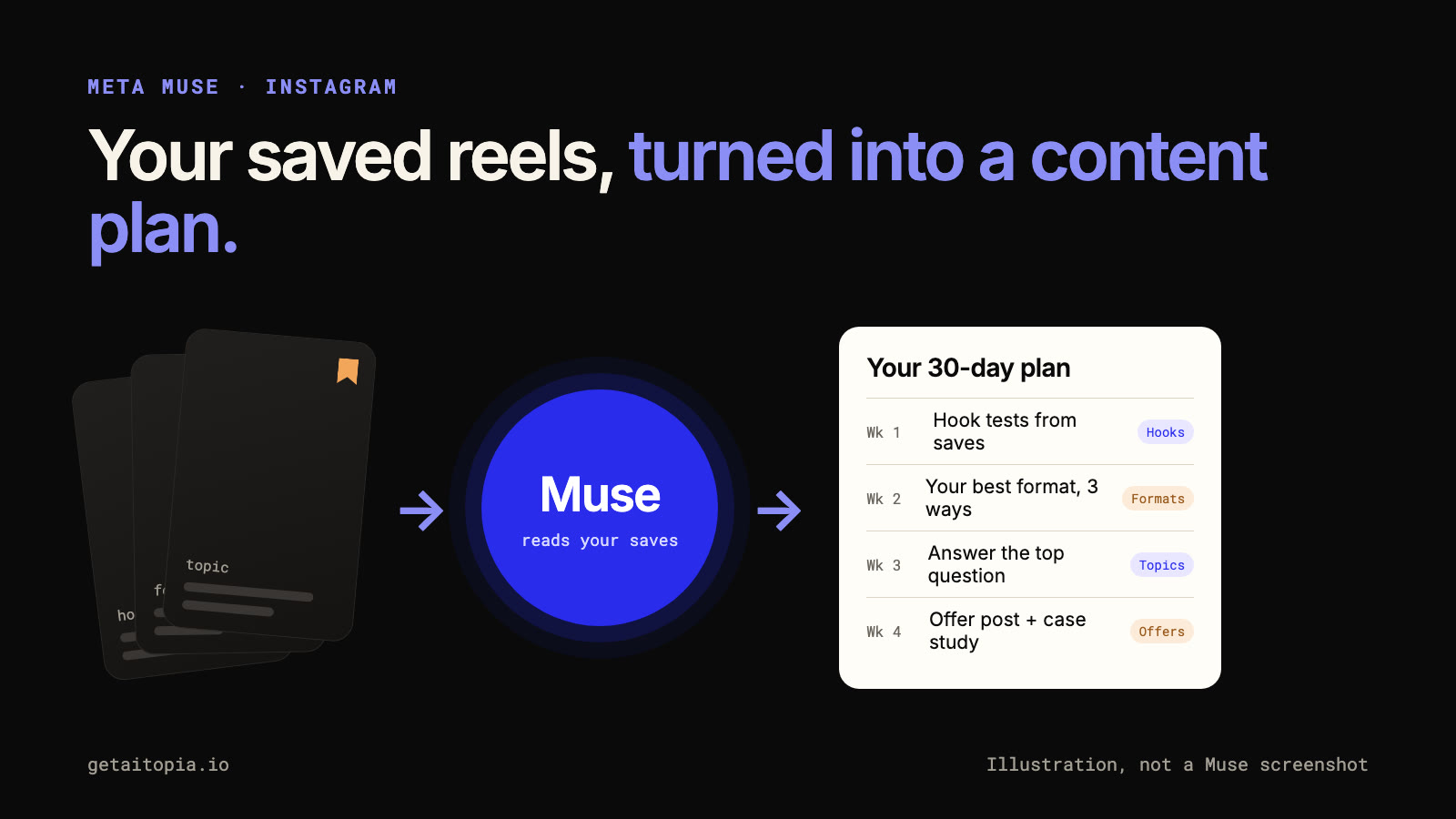
Everyone saves reels "for later." Hooks you want to try, formats you want to copy, topics you mean to cover. Then they sit in your saved folder and never get used.
Meta's new AI agent, Muse, can change that. In its own launch announcement, Meta showed Muse turning a recipe reel someone saved on Instagram into a grocery list. The same idea works for your content: point Muse at the reels you saved for inspiration and turn them into a plan you'll actually post.
Here's what Muse is, what it can and can't do yet, and a 5-step workflow to turn your saves into content.
What Is Meta Muse?
Muse is Meta's personal AI agent. Instead of only answering questions, it's built to do tasks for you, like sending emails, filling in forms or booking travel, and it can keep working after you close the app.
| Launched | September 8, 2026 |
| Where | iOS, Android and muse.ai |
| Availability | US first |
| Price | Free for basic features, with paid plans for advanced ones |
| Control | You choose which apps it can access, and you approve sensitive actions before it takes them |
It caught on fast: Muse reached the top of Apple's free app chart about 10 days after launch. On September 29, Meta also launched Muse for Small Business.
Sources: Meta, Yahoo Tech, CNBC.
What Muse Can Do for Instagram Creators
Once you give Muse access to your Instagram, Meta says it can:
- Use your saved content. Meta's own example turns a saved reel into a grocery list.
- Give content strategy tips, including a "creative playbook" for your Instagram.
- Summarize your account and your recent activity.
- Flag collaboration offers and compare them with industry averages.
- Send reminders about things you need to manage on your account.
Source: Social Media Today.
What's hype, and what's confirmed
Creator videos about Muse are everywhere. One from Adley Kinsman suggests three uses: finding what's trending in your niche, pulling data on what other creators' topics are landing, and auditing your own account.
Auditing your own account lines up with what Meta has described. Scanning the whole platform for trends and pulling other creators' data hasn't been confirmed by Meta or the coverage we've read, so treat those as claims to test, not features to count on.
That's why this guide focuses on something Meta has shown Muse doing: working with content you saved yourself.
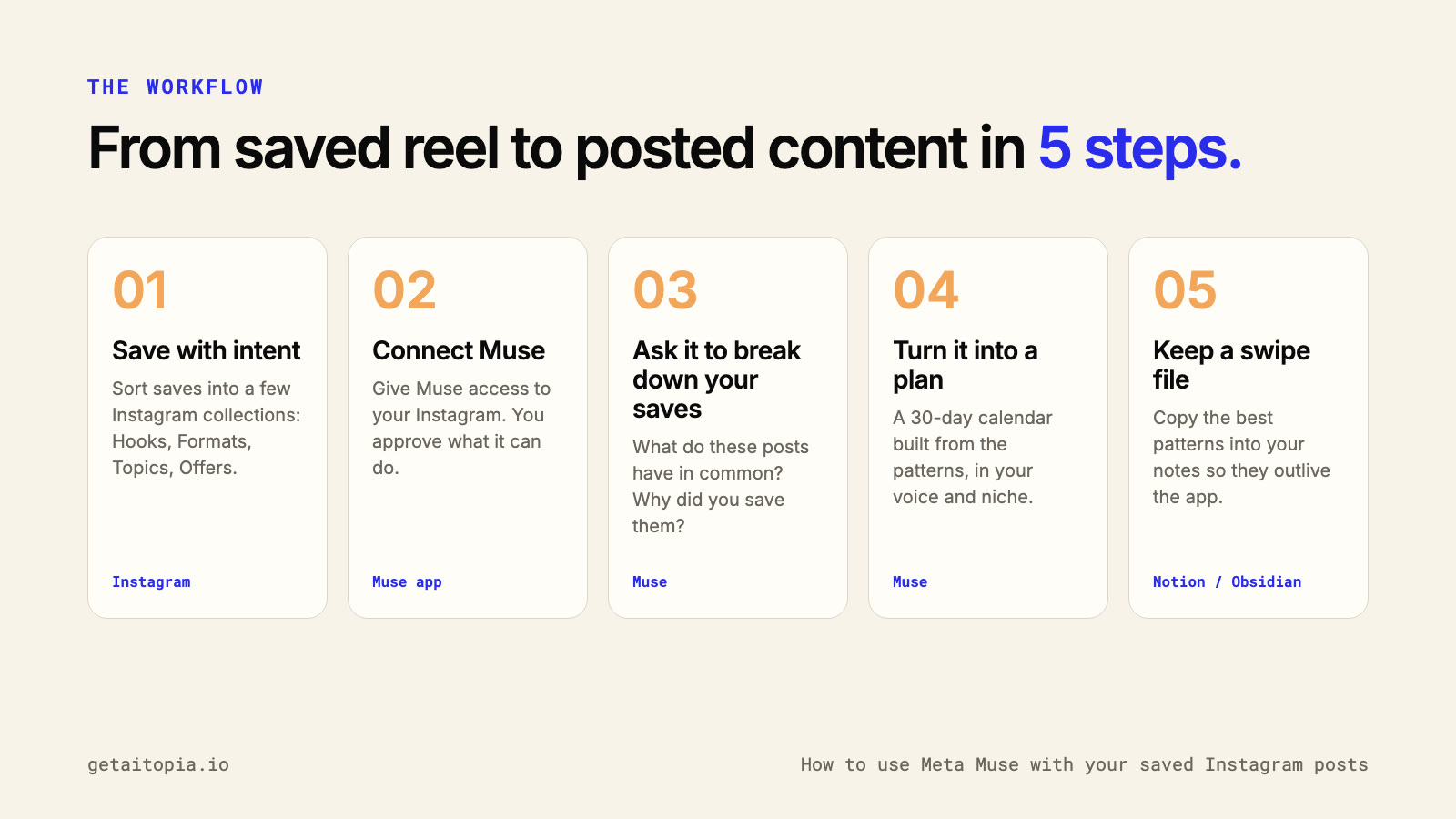
Step 1: Save With Intent
Muse can only work with what you give it. A random pile of 500 saves gives you random answers.
Instagram already lets you sort saves into collections: tap and hold the bookmark icon under a post to save it into a named collection. Use a few collections that each have a job:
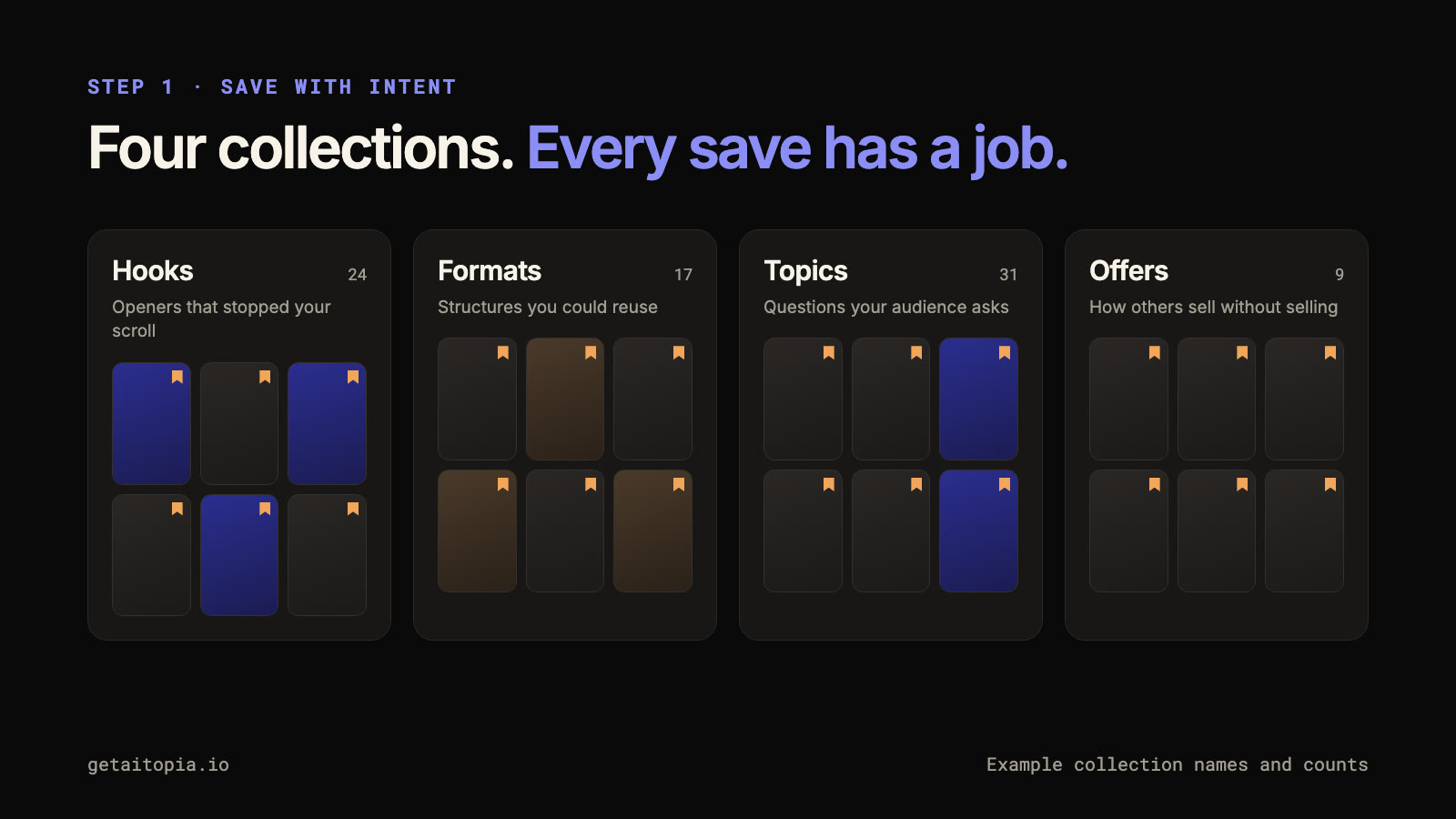
- Hooks: openers that stopped your scroll
- Formats: structures you could reuse
- Topics: questions your audience keeps asking
- Offers: how other people sell without sounding salesy
Four is enough. The point is that every save has a reason.
Step 2: Connect Muse to Your Instagram
Install Muse or open muse.ai, then give it access to your Instagram. Meta lets you decide which apps Muse can reach and set approvals, so it can't take actions on your account without your OK.
Start with the least access you need. For this workflow, Muse only needs to read your saves. It doesn't need to post anything.
Step 3: Ask Muse to Break Down Your Saves
This is where the value is. Don't ask Muse what's trending on the internet. Ask it about the posts you already chose.
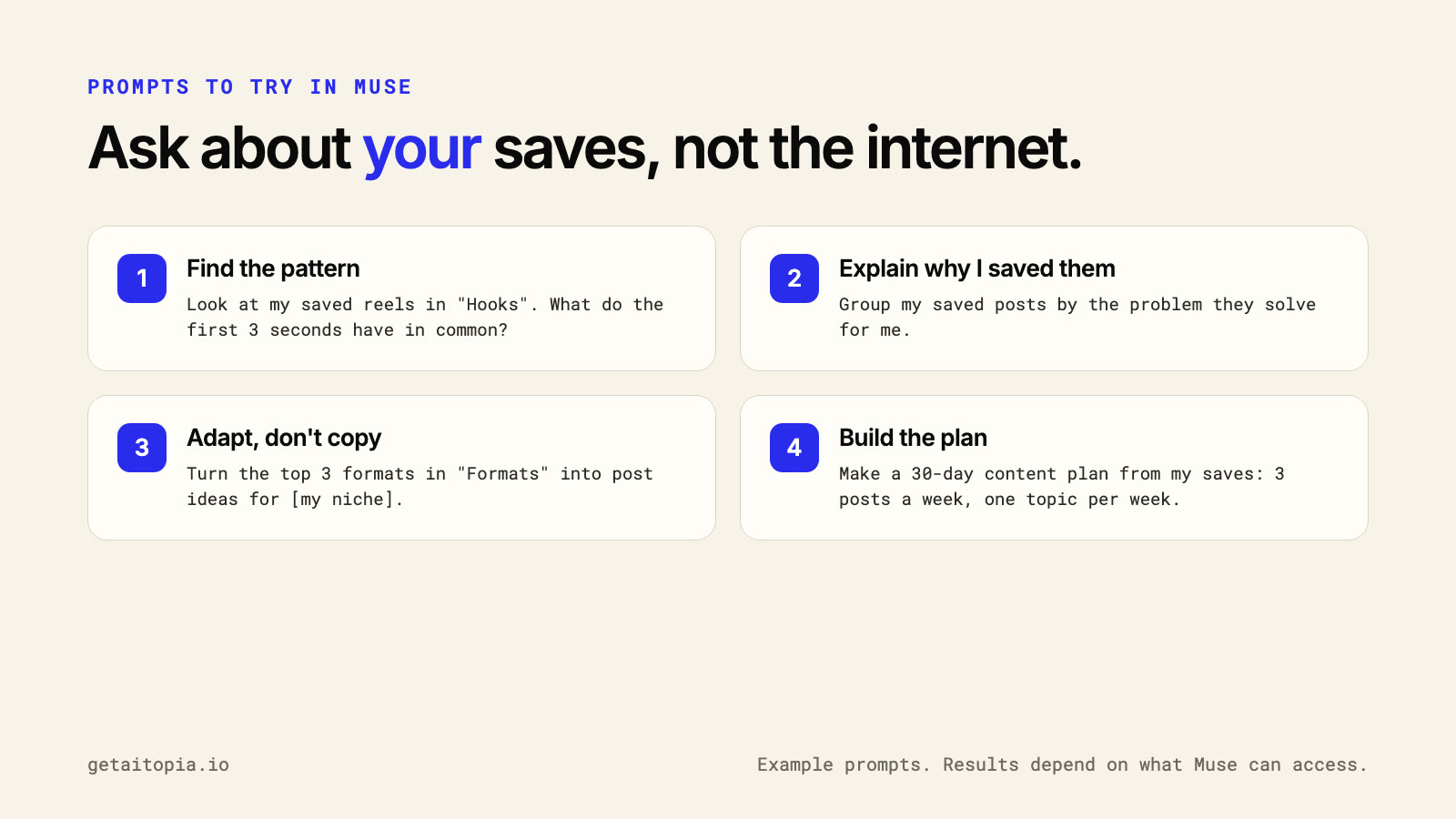
Prompts to try:
- "Look at my saved reels in 'Hooks'. What do the first 3 seconds have in common?"
- "Group my saved posts by the problem they solve for me."
- "Turn the top 3 formats in 'Formats' into post ideas for [your niche]."
Your saves are a record of what already works on you. Muse can help you see the pattern you've been collecting.
Step 4: Turn It Into a Content Plan
Once you have the patterns, ask for a plan you can actually run:
"Make a 30-day content plan from my saves: 3 posts a week, one topic per week. Use my voice and my niche, not the original creators'."
Two rules for the plan:
- Adapt, don't copy. Use the structure of a saved post, never the creator's words, face or exact script.
- Keep it small. Three posts a week you'll actually make beats seven you won't.
Step 5: Keep a Swipe File Outside the App
A swipe file is a collection of proven examples you can come back to. Muse is new, and apps change. Copy the patterns that work into your own notes, in Notion, Obsidian or a doc, so they outlive any tool.
For each pattern, write down:
- The pattern: "Question hook, then 3 quick steps"
- Why it works: "Answers something people search for"
- Your version: the post idea it gave you
That swipe file becomes the input for every content session after this one.
Where This Fits in a Content System
Muse helps you decide what to make. The next steps are scoring ideas before you film and producing them consistently.
- To test which ideas are worth filming, see how we score content ideas with JEV before production.
- To turn video views into subscribers, see how to build an email list from your videos.
Limits to Know
- It's new. Muse launched in September 2026, and its Instagram features are still rolling out.
- US first. Availability outside the US may be limited.
- Check its work. Treat Muse's suggestions as a draft, not a strategy.
- Mind your permissions. Give it read access for this workflow, and approve anything it wants to do on your account.
Frequently Asked Questions
What is Meta Muse?
Muse is Meta's personal AI agent, launched on September 8, 2026. It can complete tasks for you, like sending emails or filling in forms, and it can work with your Instagram once you give it access.
Can Muse see my saved Instagram posts?
Meta's own launch example shows Muse turning a reel someone saved on Instagram into a grocery list, so it can work with saved content once you give it access to your Instagram.
Is Meta Muse free?
Basic features are free. Meta offers paid plans for advanced features.
Where do I find my saved posts on Instagram?
Go to your profile, open the menu and tap Saved. If you save posts into collections, each collection appears there.
Does Muse post on Instagram for me?
You control what Muse can do. Meta lets you require your approval for sensitive actions, and for this workflow Muse only needs to read your saves.
Want this turned into a weekly video system for your business? Book a call and we'll show you how we run founder content from idea to post.
Want Weekly Founder Video Without Filming Weekly?
We run the Video Engine for you, or install it in your team. AI avatar, real footage, or both.